

nathanfallet
New member
Step-by-Step Solution:
Notes / Tips:
- Download the correct OEM files for your CPU (Ryzen 7 5800U or 5825U) from the Alliwava official website.
- Prepare a USB drive:
- Format the USB as NTFS (FAT32 will split the .wim into .swm which causes issues).
- Rename the USB drive to WINPE (all caps).
- Copy all files from the OEM ZIP to the root of the USB.
- Keep the original folder structure (Boot, EFI, images, sources, Scripts, etc.).
- Use the original install.wim, do not modify or move it.
- Boot the U58 from the USB drive (set it first in the BIOS boot order).
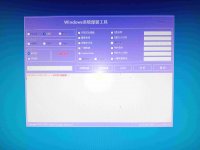
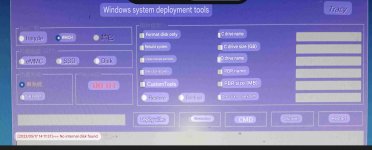
- Let the OEM script run:
- The script will detect the SSD, partition it, apply Windows, and install drivers.
- You may see Audit Mode with the Sysprep popup at the first login — this is normal.
- Handle the Sysprep popup correctly:
- Choose System Cleanup Action → Enter System Out-of-Box Experience (OOBE)
- Do NOT check “Generalize”
- Choose Shutdown and click OK.
- Remove the USB and restart the PC.
- Complete the OOBE:
- Select region, keyboard layout, account setup, etc.
- Windows 11 should now boot normally with all OEM drivers installed.
Notes / Tips:
- Do not attempt to modify the OEM scripts or move SWM files manually, it will break the installation.
- This method works even if standard Windows ISOs fail to detect the NVMe SSD.
- After this, you can shrink the Windows partition and install Ubuntu for dual-boot if desired.